Choose who can see what
Owners can choose whether each team member can view, add or change information.
Security and privacy
LeaseAlarm keeps documents private, lets you choose who can see them and records important account activity. Your account also shows your sign-in methods, signed-in devices, support choices and privacy controls in one place.
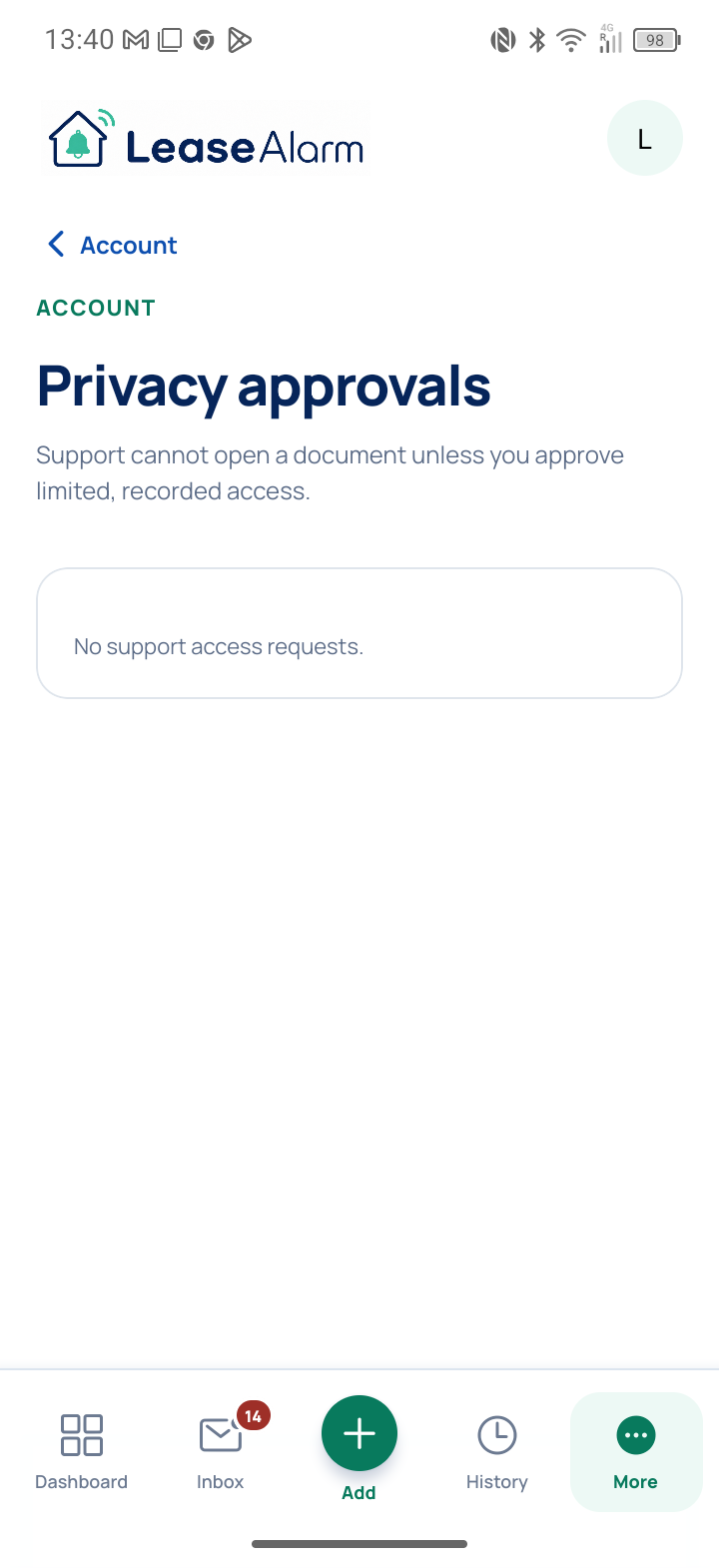
Temporary support access always needs clear approval.
How your information is protected
LeaseAlarm uses private storage, checks uploaded files for harmful content, records important activity, watches for problems and makes daily backups.
Owners can choose whether each team member can view, add or change information.
Stored files are not public. Uploaded files are checked for harmful content before they are made available.
Important account changes and problems are recorded so they can be investigated.
Email checks, password reset, signed-in device controls, downloads and account deletion are built in.
Daily backups and earlier versions help protect information if it needs to be recovered.
Customer information is stored using AWS cloud services and protected with encryption.
Automatic document reading
Where automatic reading is available, it is optional. When you choose it or separately approve future matching supplier updates, selected email or document content and relevant record details may be sent securely to OpenAI to suggest details and dates. Images or scanned PDFs may also be sent to Google to read their text. Saved storage is switched off for the reading. OpenAI says it does not use information sent through its business service to train its models unless we choose to allow that. It may still keep a protected copy for up to 30 days to check for misuse. You must check every suggestion before it can be saved or used for a reminder.
Choose who can see your records, review signed-in devices, download your information and request account deletion from your account settings.