
Product and how it works
From a bill or document to a clear next step.
LeaseAlarm brings payments, documents, dates, reminders, tasks and notes together. Choose the record type, add the information, then see what needs attention without searching through inboxes and folders.
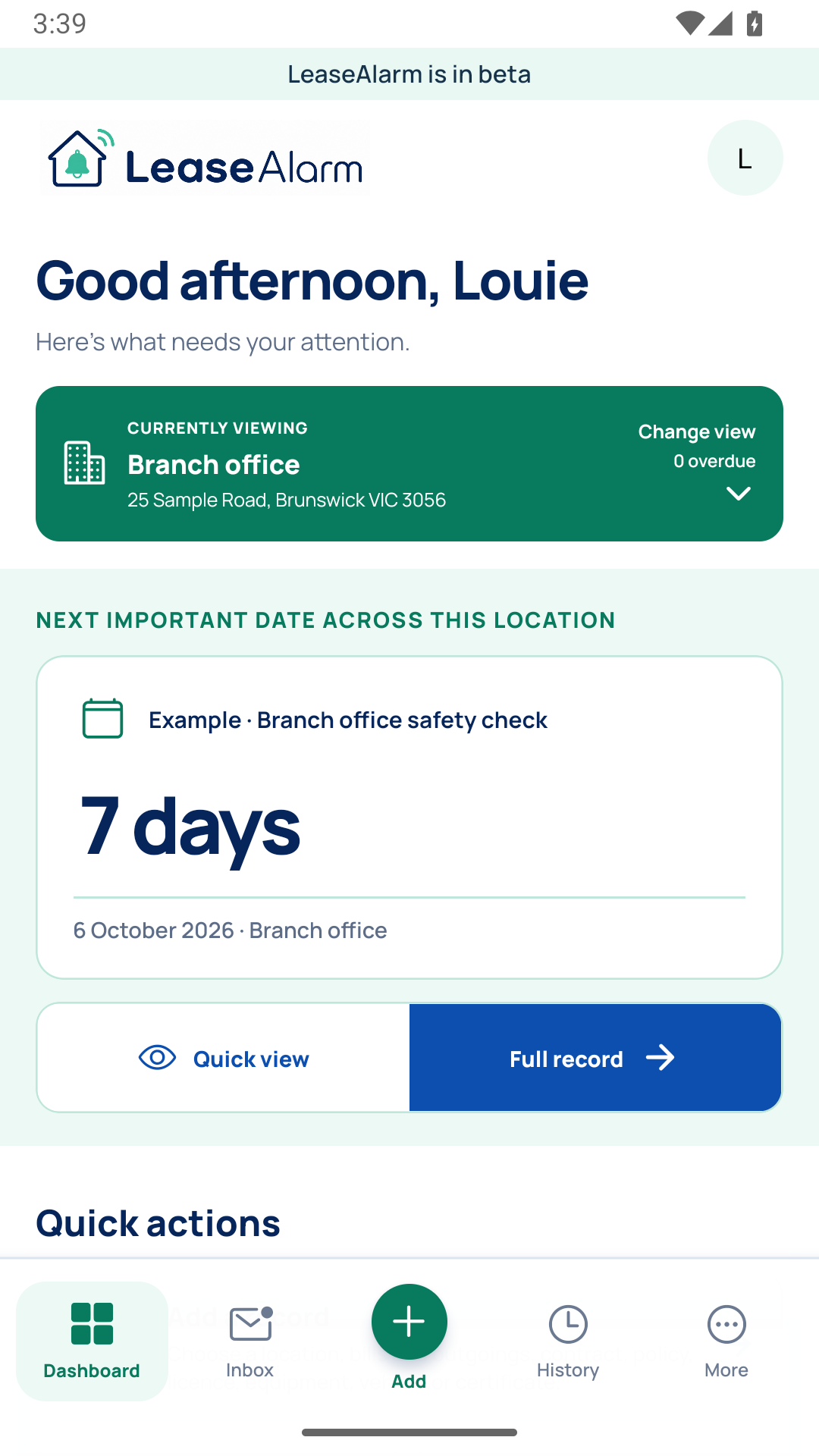
Keep the next action with the record it belongs to.
Six simple steps
Automatic reading can help, but you stay in control.
Always check the original document. A reminder stays off until a person confirms the date.
- 1
Add a document
Choose a PDF or clear photo. You can also enter the details yourself.
- 2
See the suggestions
Where available, optional automatic reading can suggest details and dates for you to check against the original.
- 3
Check the original
Accept, correct or reject every suggestion. A blank form or general guide cannot create a deadline.
- 4
Keep everything together
Keep the document, dates, tasks and notes with the bill, policy, licence, lease or contract they belong to.
- 5
Choose when to be reminded
Reminder emails can start only after a person has checked and confirmed the date.
- 6
See what happened
View important changes and reminder activity without losing the original document.
What it can look for
Useful suggestions, with enough detail for you to check them.
When automatic reading is available, suggested details stay separate until you check them. Compare each date and next step with the original document before accepting it.
What automatic reading cannot do
It cannot give legal advice, promise that a date is correct or replace the original document. Handwriting, unclear photos, tables, changed pages and conflicting wording can still be difficult to read. Always check the full document yourself.