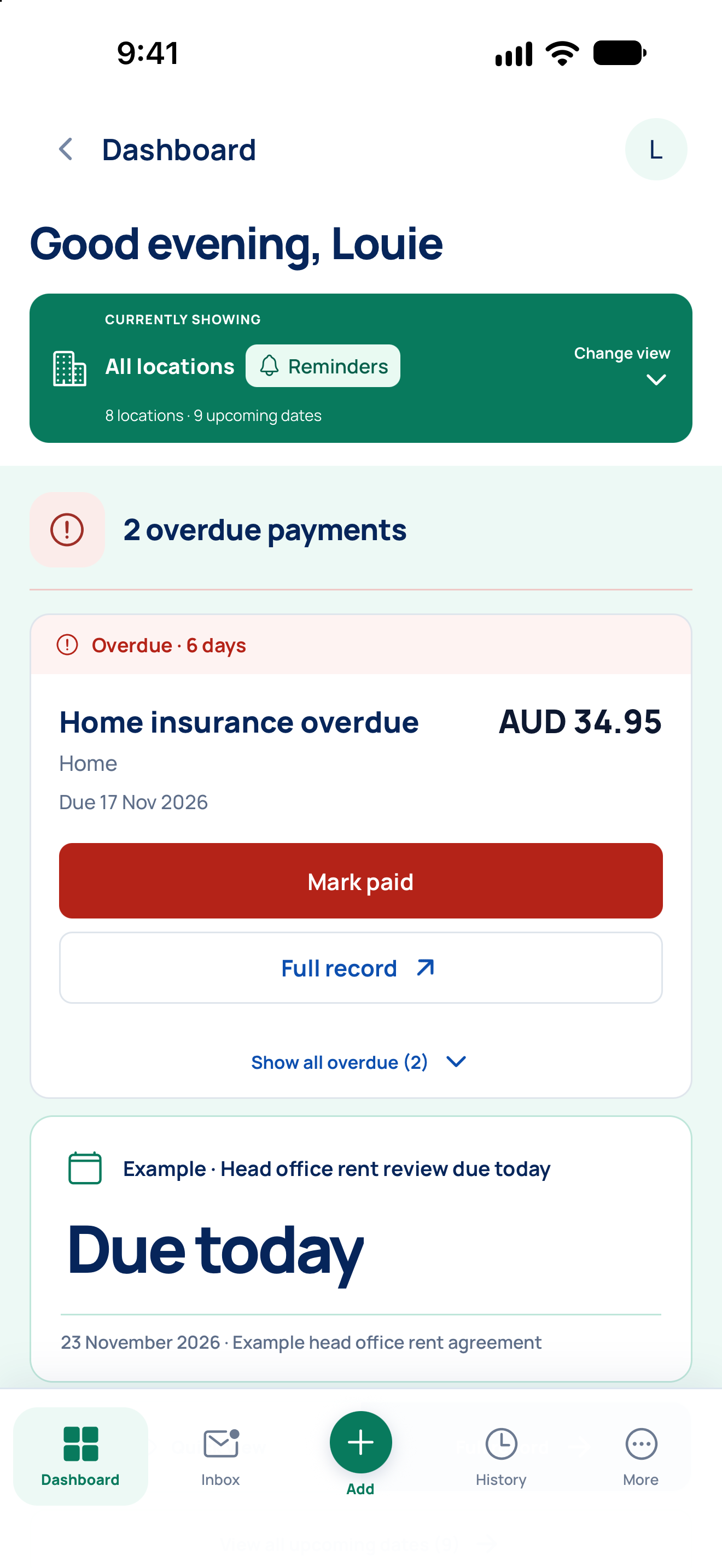
Your day at a glance
See overdue bills, the next important date and your reminders in one place.
How it works
You choose the email, review what LeaseAlarm finds and approve the details before anything becomes a record or reminder.
Keep the next action with the record it belongs to.
Explore the current app
Actual LeaseAlarm screens with example information. Features and limits depend on your plan.
See overdue bills, the next important date and your reminders in one place.
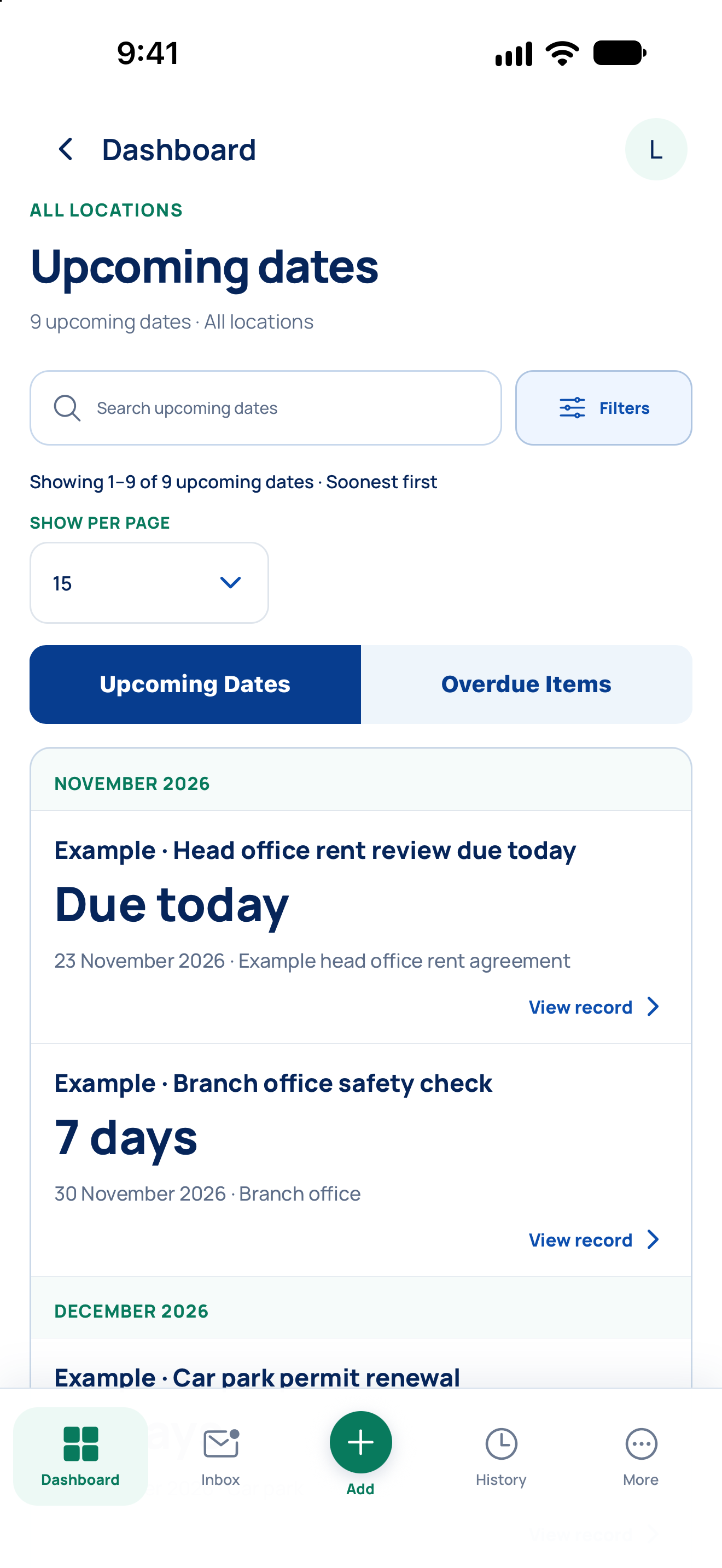
Search important dates and switch between upcoming and overdue items.
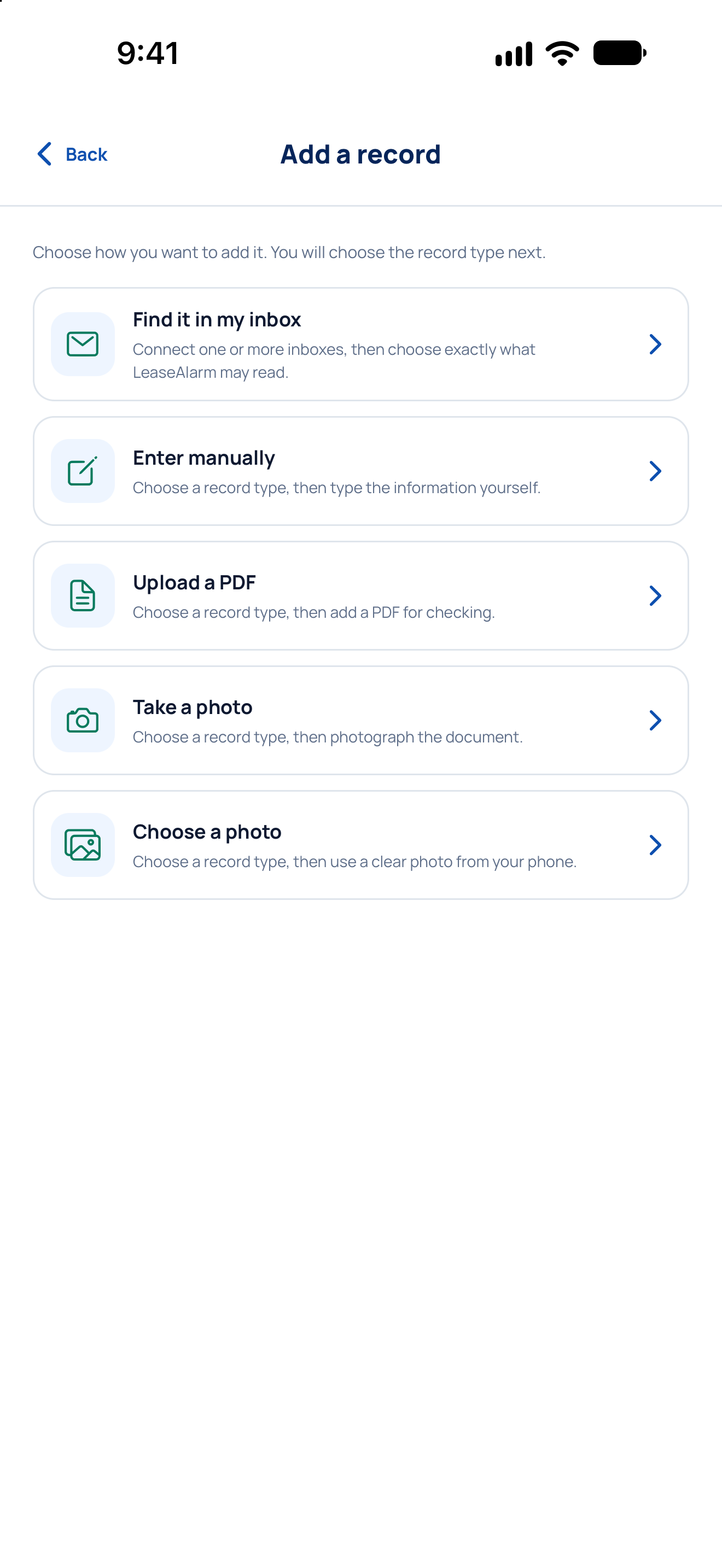
Choose your inbox, a PDF, a photo or manual entry. Review the details before saving.
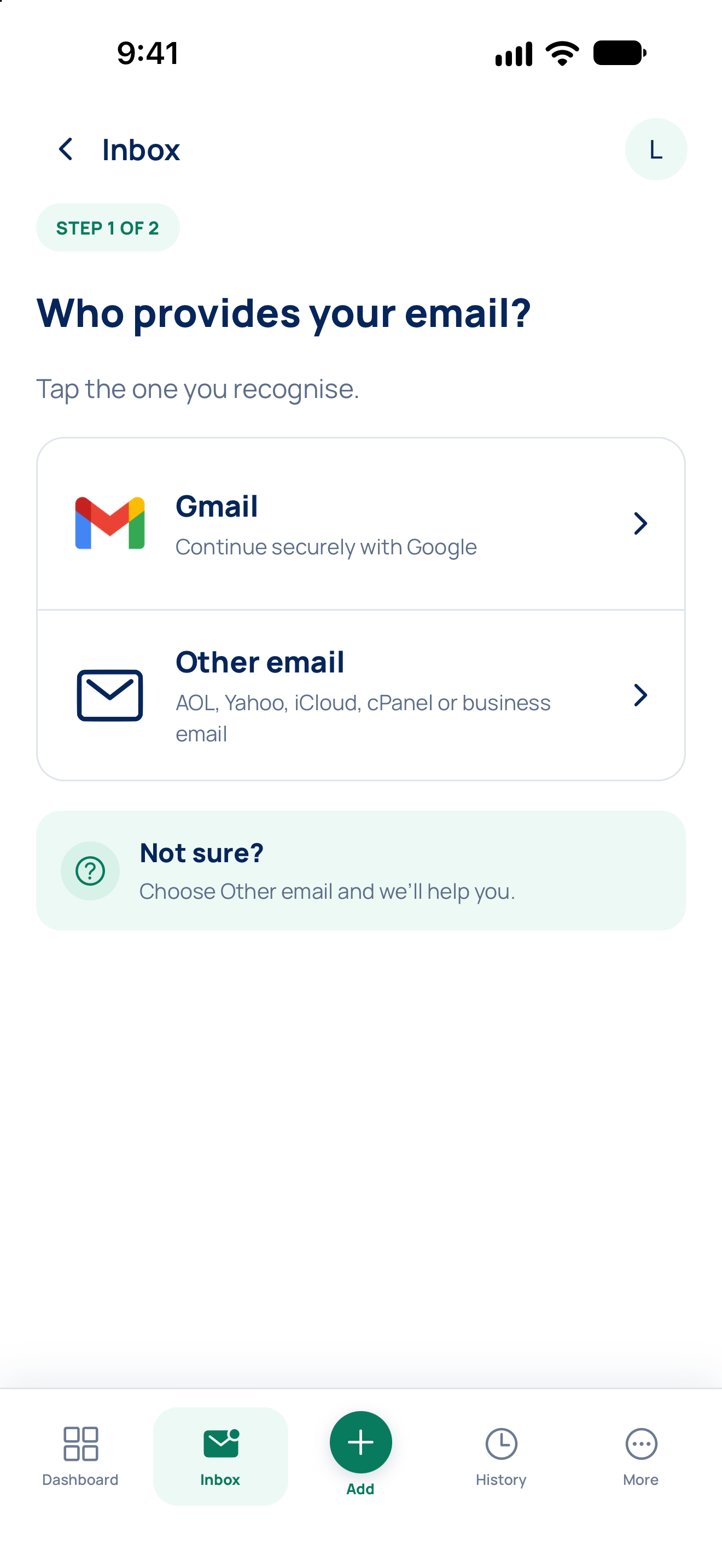
Start with Gmail or another email provider. Available connections are shown in the app.
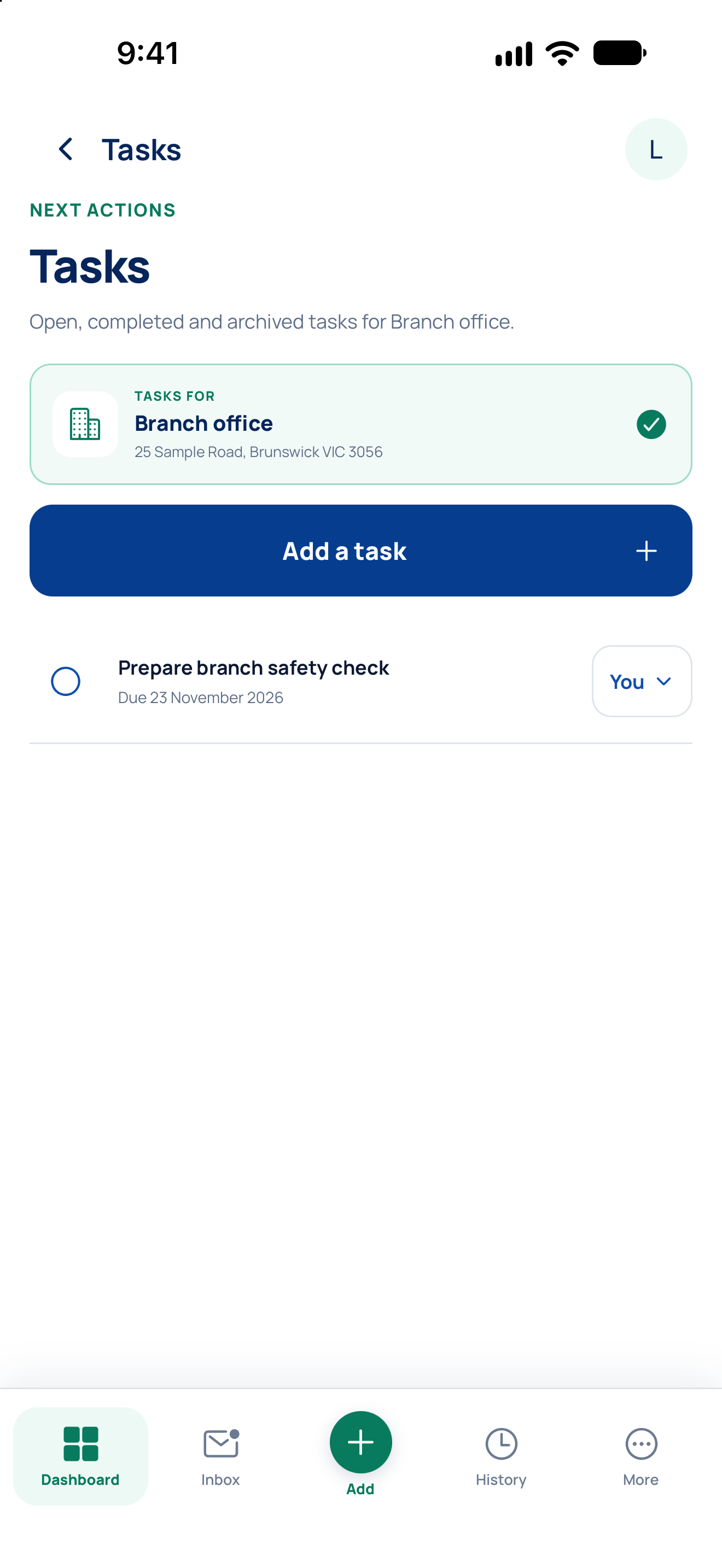
Keep tasks, due dates and the person responsible with the right record.
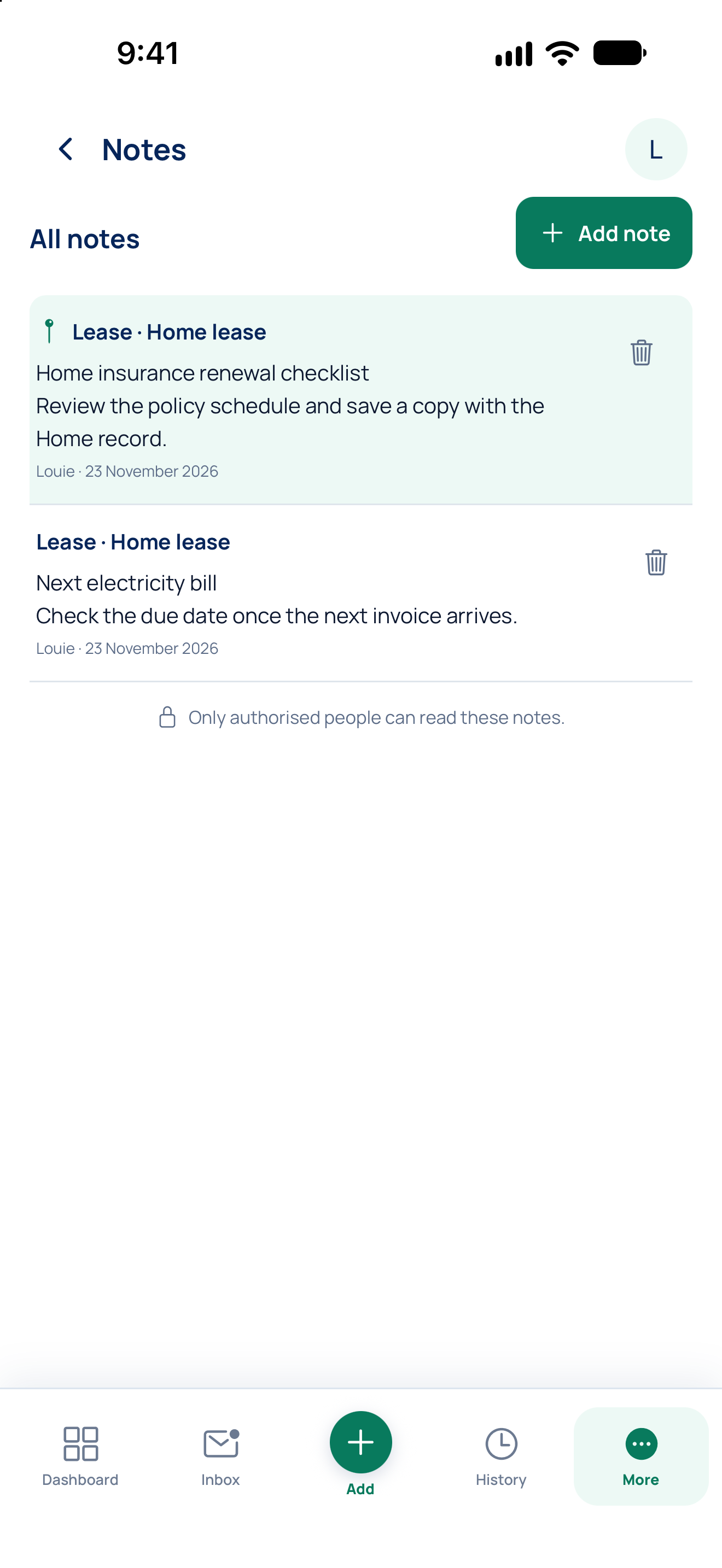
Keep conversations, decisions and useful notes alongside your records.
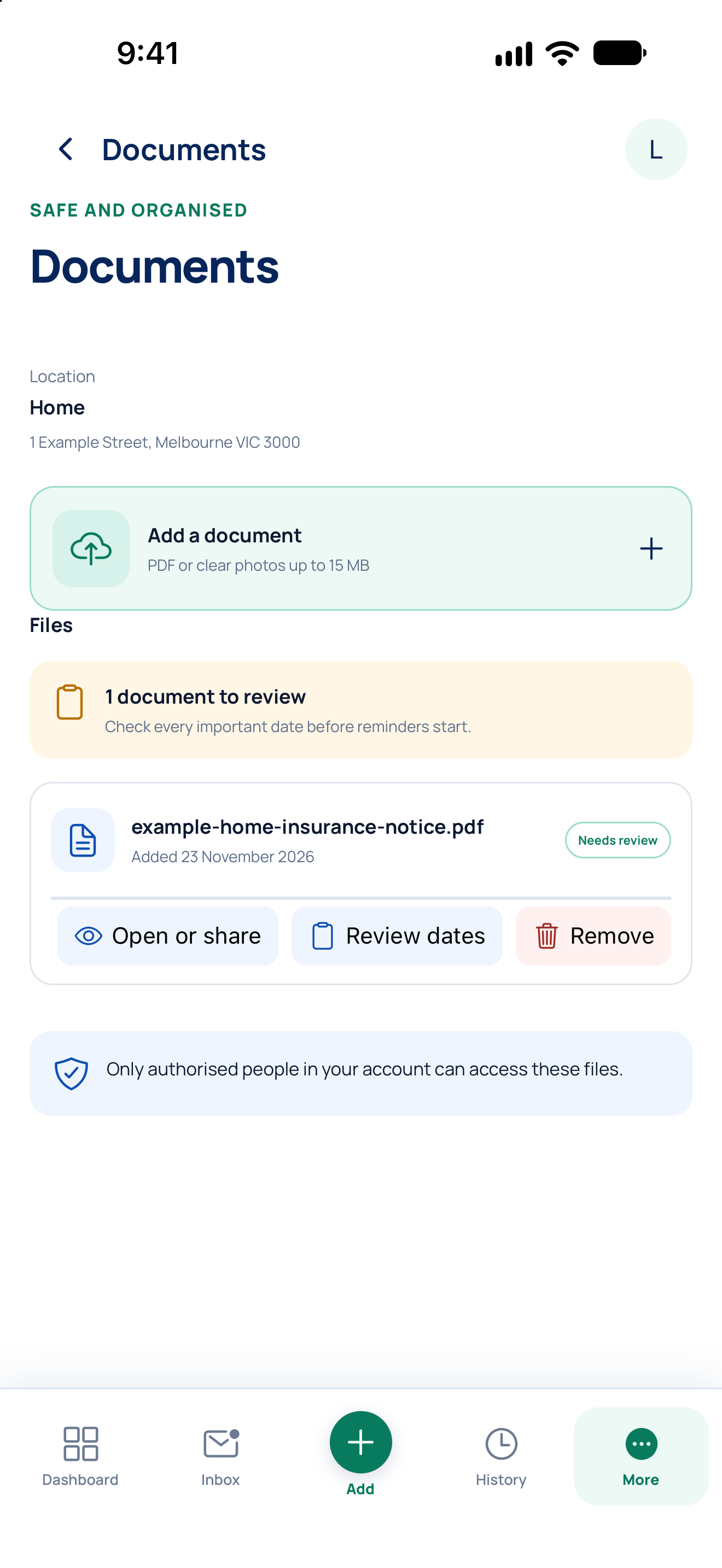
Store documents with their record and review important dates before reminders begin.
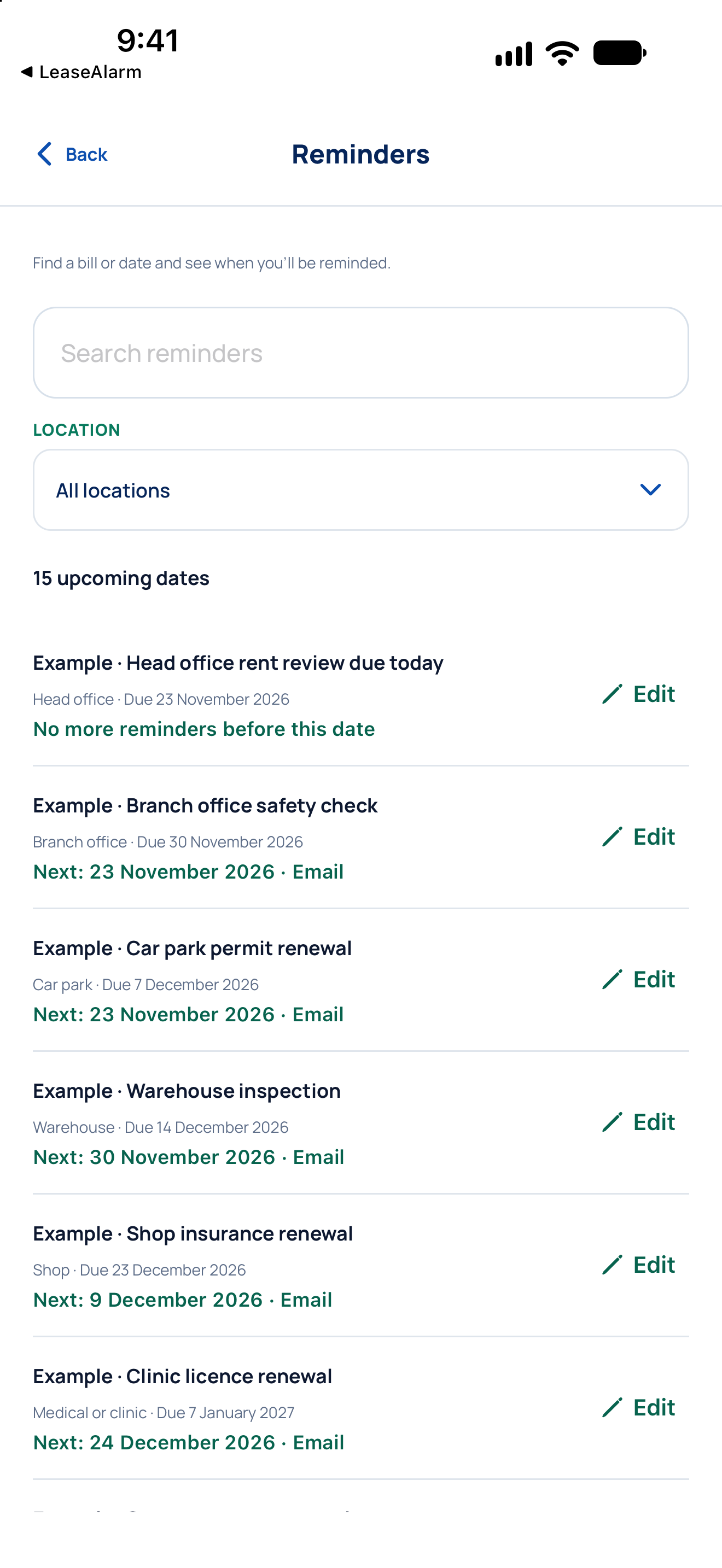
Find a bill or date and check its saved reminder settings.
Ready to try it? Get LeaseAlarm for your phone.

A deliberate four-step journey
LeaseAlarm helps organise the work, while you remain in control of what is saved and when reminders begin.
Forward it to LeaseAlarm, or use a connected inbox when that option is available to you.
Choose the item, compare every important detail with the original message and correct or reject anything that is uncertain.
Save the original email, approved dates, payment details, notes and related documents in one clear place.
LeaseAlarm watches for future matching emails and sends only the reminders you choose after the details have been checked.
Human review comes first
New or unclear items stay ready for review. You decide whether they belong in LeaseAlarm, check the original message and approve the details before tracking or reminders begin.
Available on iPhone, iPad, Android and the web. Use the same account across your devices.
Download LeaseAlarm from the App Store or Google Play, then sign in with your account.
Use LeaseAlarm in your browser. No download needed.
Open web appCreate your account on the web or in the app. Your 60 free days start after you save your first lease or other business record. No card required. No automatic charge.