
How it works
From an important email to a clear next step.
You choose the email, review what LeaseAlarm finds and approve the details before anything becomes a record or reminder.
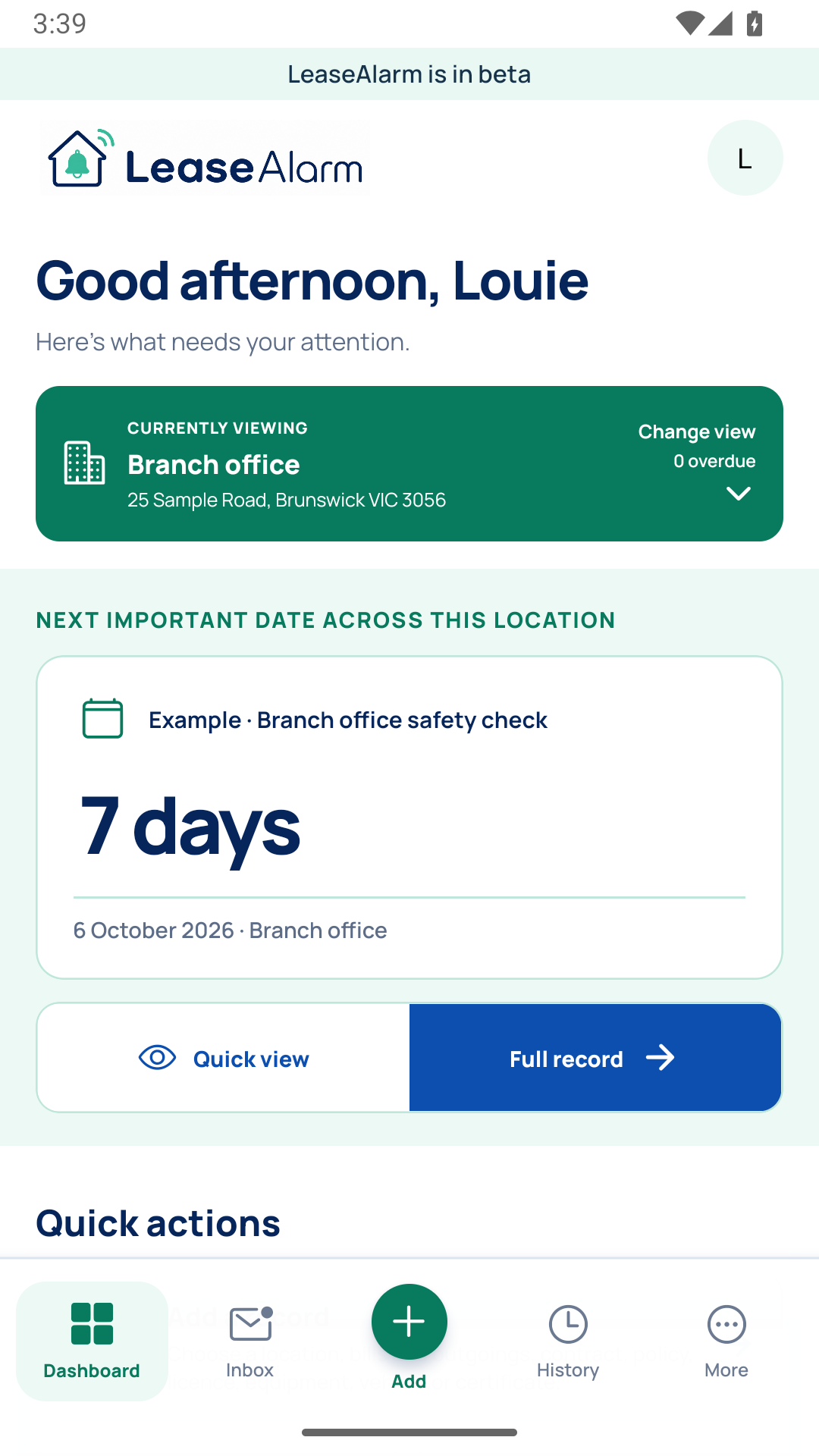
Keep the next action with the record it belongs to.
A deliberate four-step journey
Find it. Review it. Keep it. Stay ahead.
LeaseAlarm helps organise the work, while you remain in control of what is saved and when reminders begin.
- 1
Find the important email
Forward it to LeaseAlarm, or use a connected inbox when that option is available to you.
- 2
Review it yourself
Choose the item, compare every important detail with the original message and correct or reject anything that is uncertain.
- 3
Keep the record together
Save the original email, approved dates, payment details, notes and related documents in one clear place.
- 4
Stay ahead
LeaseAlarm watches for future matching emails and sends only the reminders you choose after the details have been checked.
Human review comes first
Nothing uncertain is quietly turned into a deadline.
New or unclear items stay ready for review. You decide whether they belong in LeaseAlarm, check the original message and approve the details before tracking or reminders begin.